$ cd ~/talks/wordpress-in-30

WordPress in 30 Minutes⁠

…or your pizza is free. WordPress from a developer's point of view: the five building blocks (hooks, posts, taxonomies, meta and the REST API) and which plugins are worth it.

$ open slides

  1. WordPress in 30 Minutes Wednesday, November 22, 2023 … or your pizza is free
  2. Luke DeWitt Director of Web Services
  3. ❤
  4. ❤
  5. ��
  6. You are going to know WP* *More than you know about it now… from a development perspective… not a legally binding statement….
  7. What is WordPress?
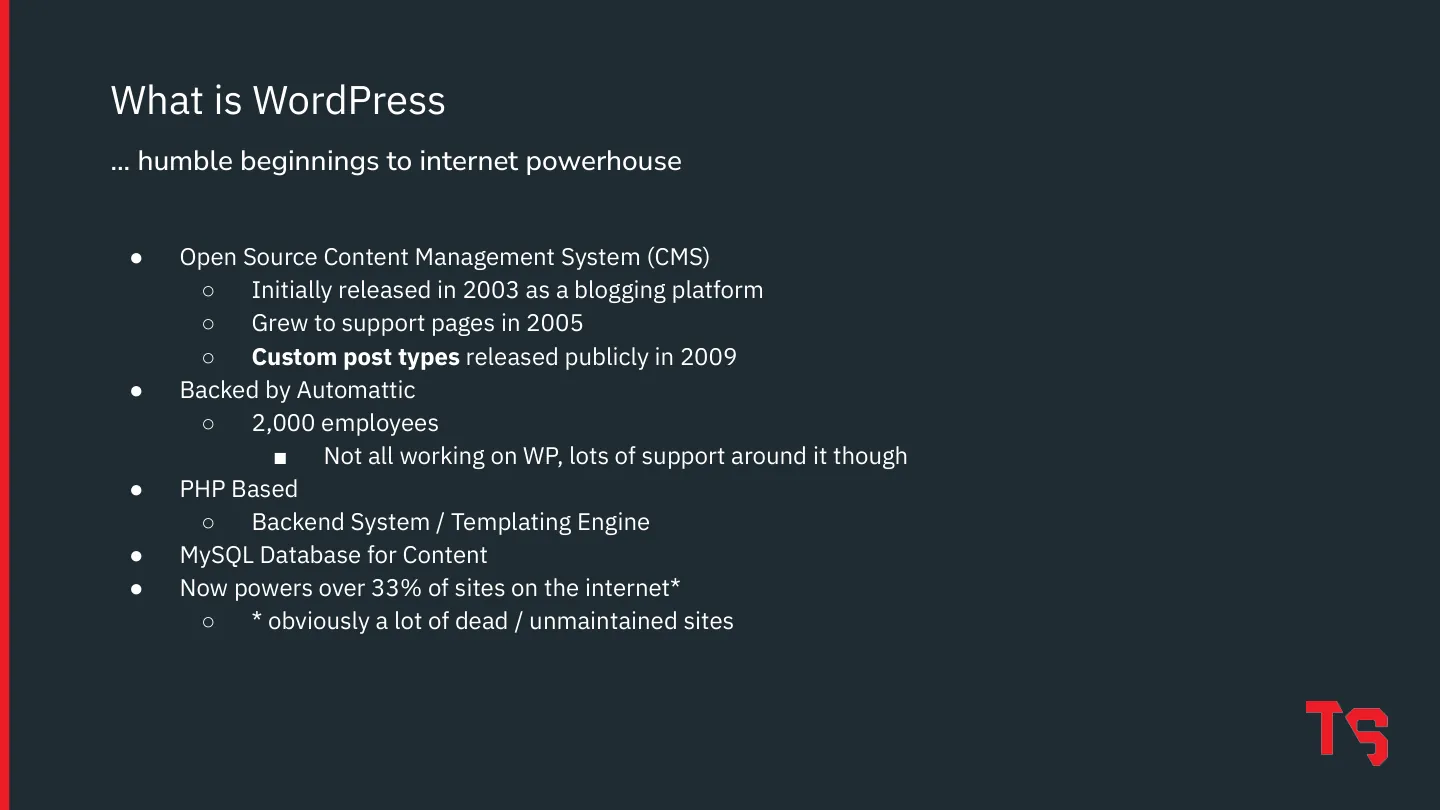
  8. Open Source Content Management System (CMS) ○ Initially released in 2003 as a blogging platform ○ Grew to support pages in 2005 ○ Custom post types released publicly in 2009 Backed by Automattic ○ 2,000 employees ■ Not all working on WP, lots of support around it though PHP Based ○ Backend System / Templating Engine MySQL Database for Content Now powers over 33% of sites on the internet* ○ *…
  9. User Management Open Source Secure Easy for Users Excellent Documentation (Codex) Plugin / Theme Ecosystem Extensible* Why Use WordPress … not necessarily in the following order…
  10. WP as a developer
  11. WP as a developer ��
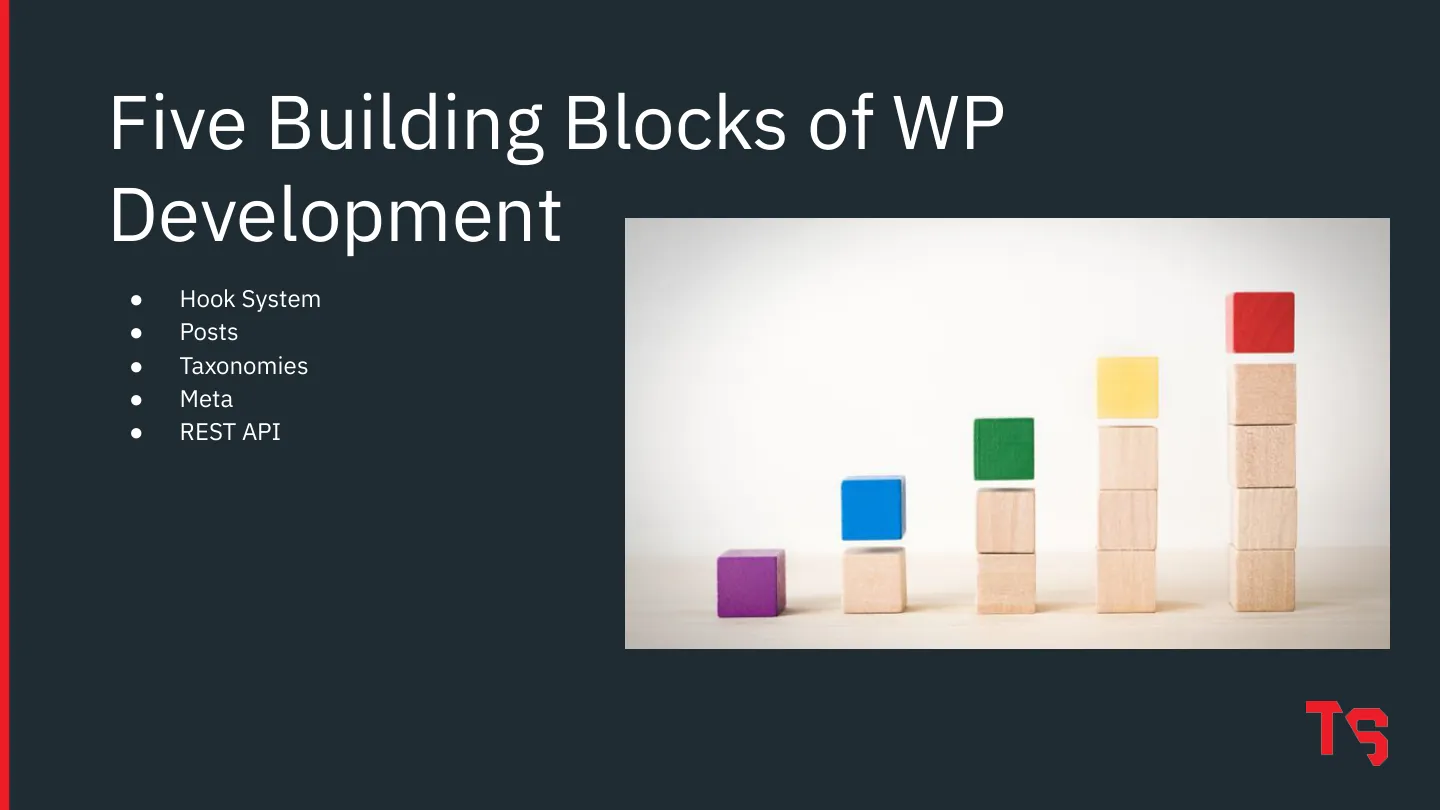
  12. Five Building Blocks of WP Development
  13. Hook System Five Building Blocks of WP Development
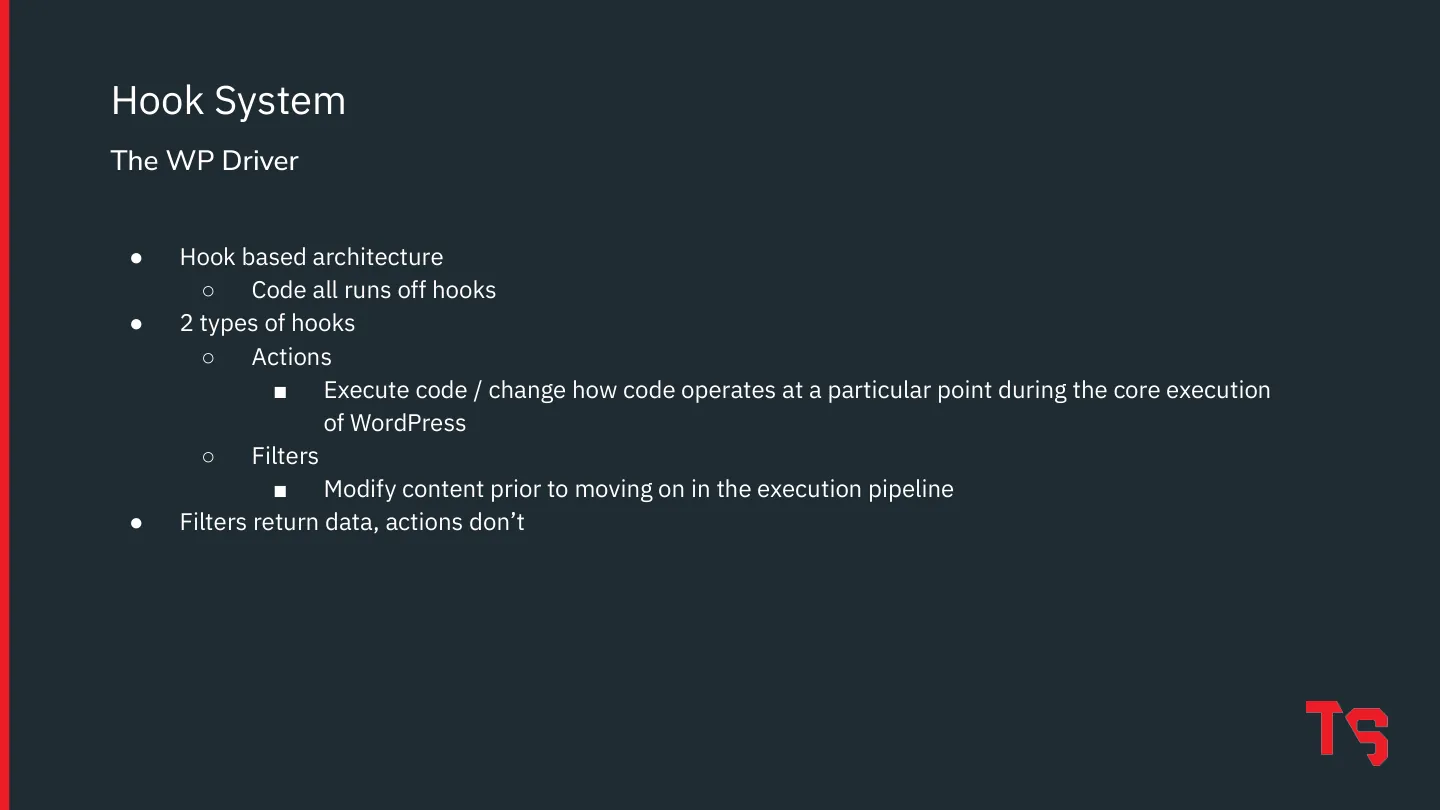
  14. Hook based architecture ○ Code all runs off hooks 2 types of hooks ○ Actions ■ Execute code / change how code operates at a particular point during the core execution of WordPress ○ Filters ■ Modify content prior to moving on in the execution pipeline Filters return data, actions don’t Hook System The WP Driver
  15. Hook based architecture ○ Code all runs off hooks 2 types of hooks ○ Actions ■ Execute code / change how code operates at a particular point during the core execution of WordPress ○ Filters ■ Modify content prior to moving on in the execution pipeline Filters return data, actions don’t Hook System The WP Driver
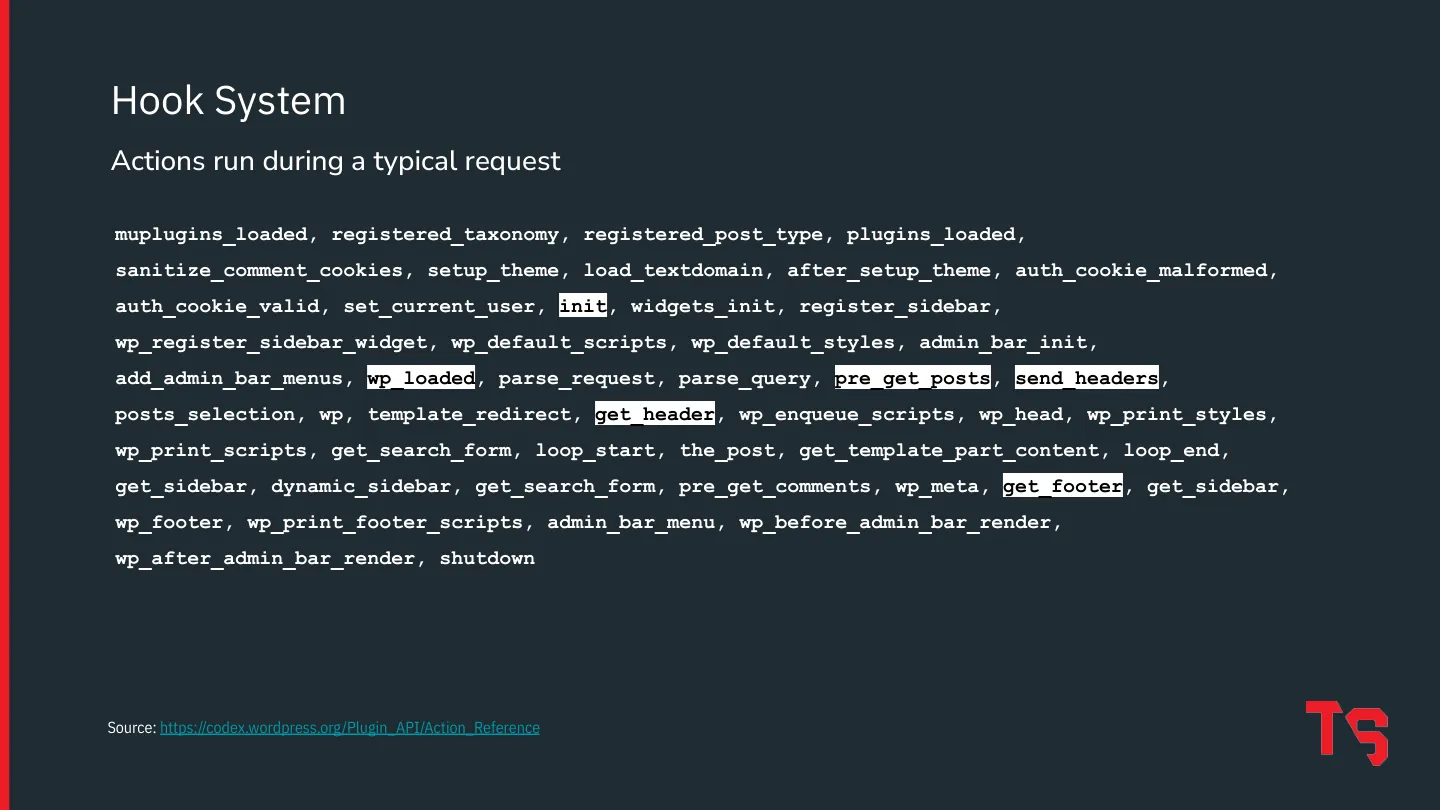
  16. Hook System Actions run during a typical request Source: https://codex.wordpress.org/Plugin_API/Action_Reference muplugins_loaded, registered_taxonomy, registered_post_type, plugins_loaded, sanitize_comment_cookies, setup_theme, load_textdomain, after_setup_theme, auth_cookie_malformed, auth_cookie_valid, set_current_user, init, widgets_init, register_sidebar, wp_register_sidebar_widget,…
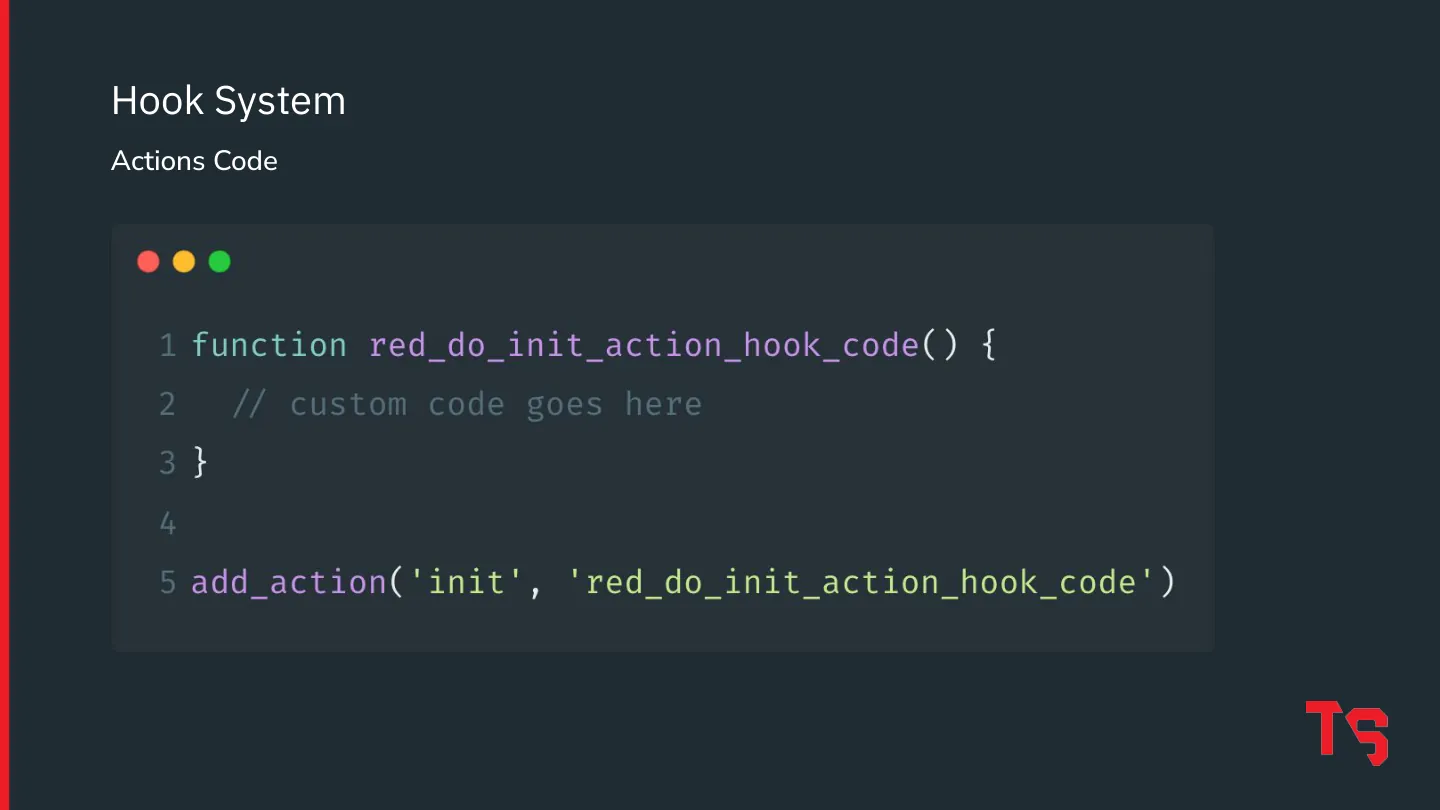
  17. Hook System Actions Code
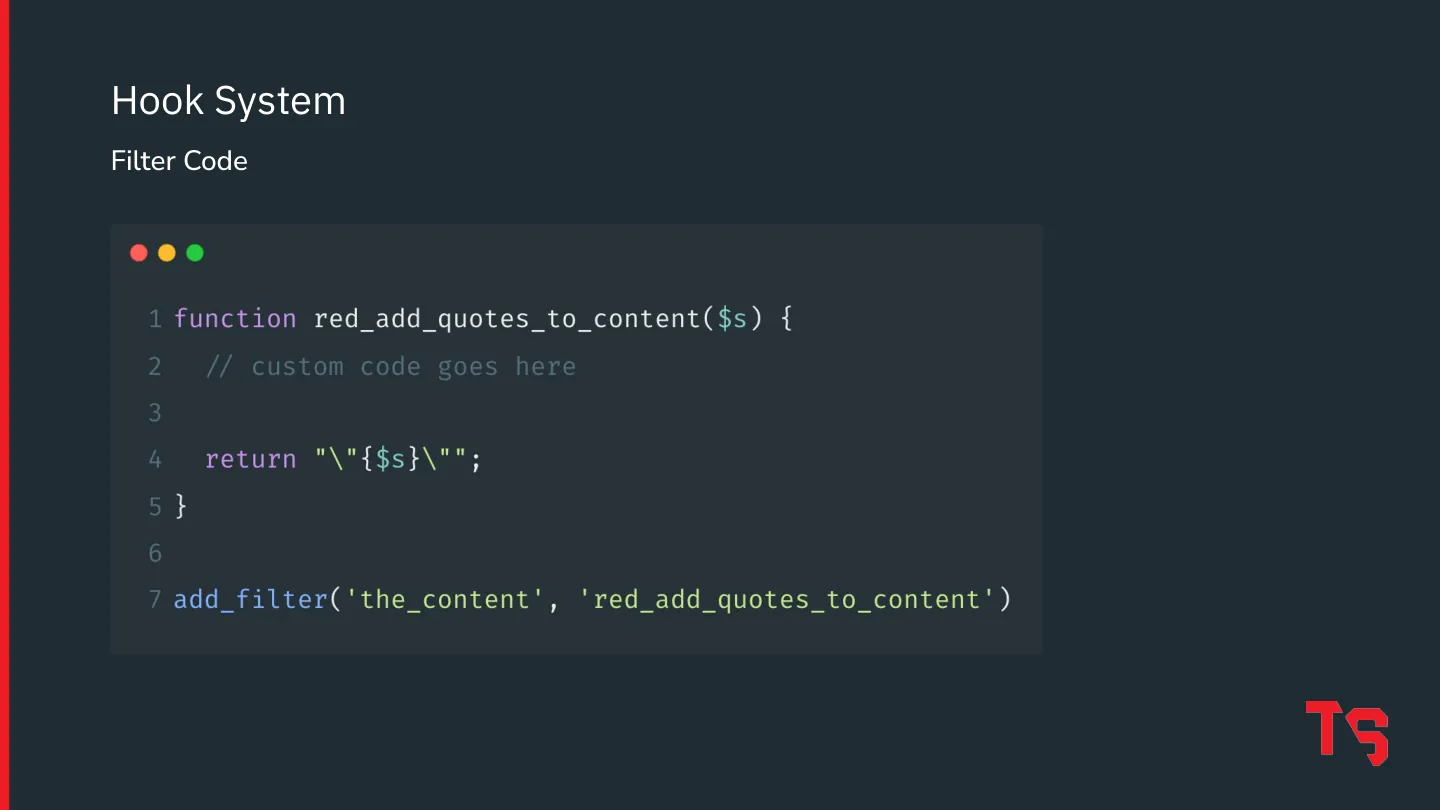
  18. Hook System Filter Code
  19. Hook System Posts Five Building Blocks of WP Development
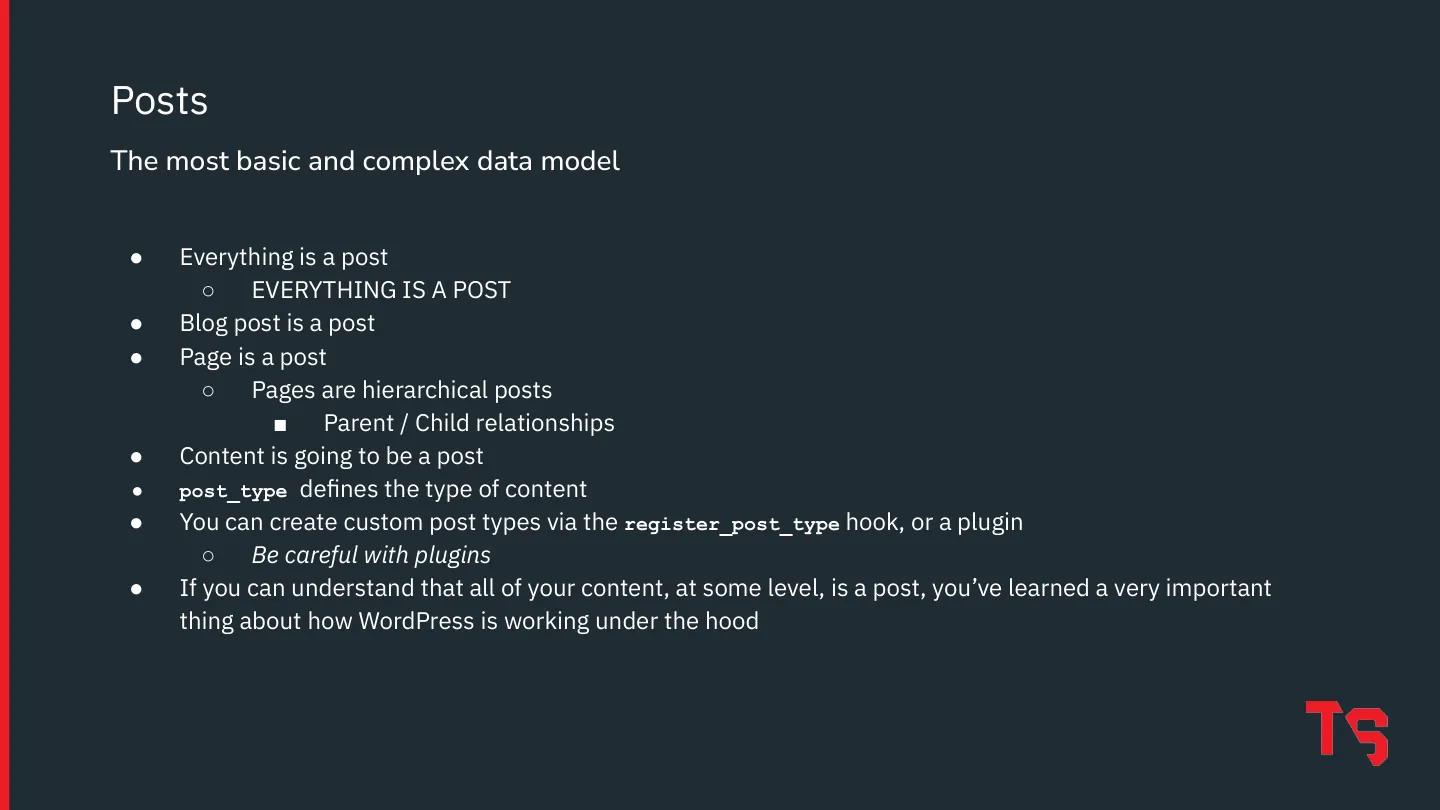
  20. Everything is a post ○ EVERYTHING IS A POST Blog post is a post Page is a post ○ Pages are hierarchical posts ■ Parent / Child relationships Content is going to be a post post_type defines the type of content You can create custom post types via the register_post_type hook, or a plugin ○ Be careful with plugins If you can understand that all of your content, at some level, is a post, you’ve…
  21. Hook System Posts Taxonomies Five Building Blocks of WP Development
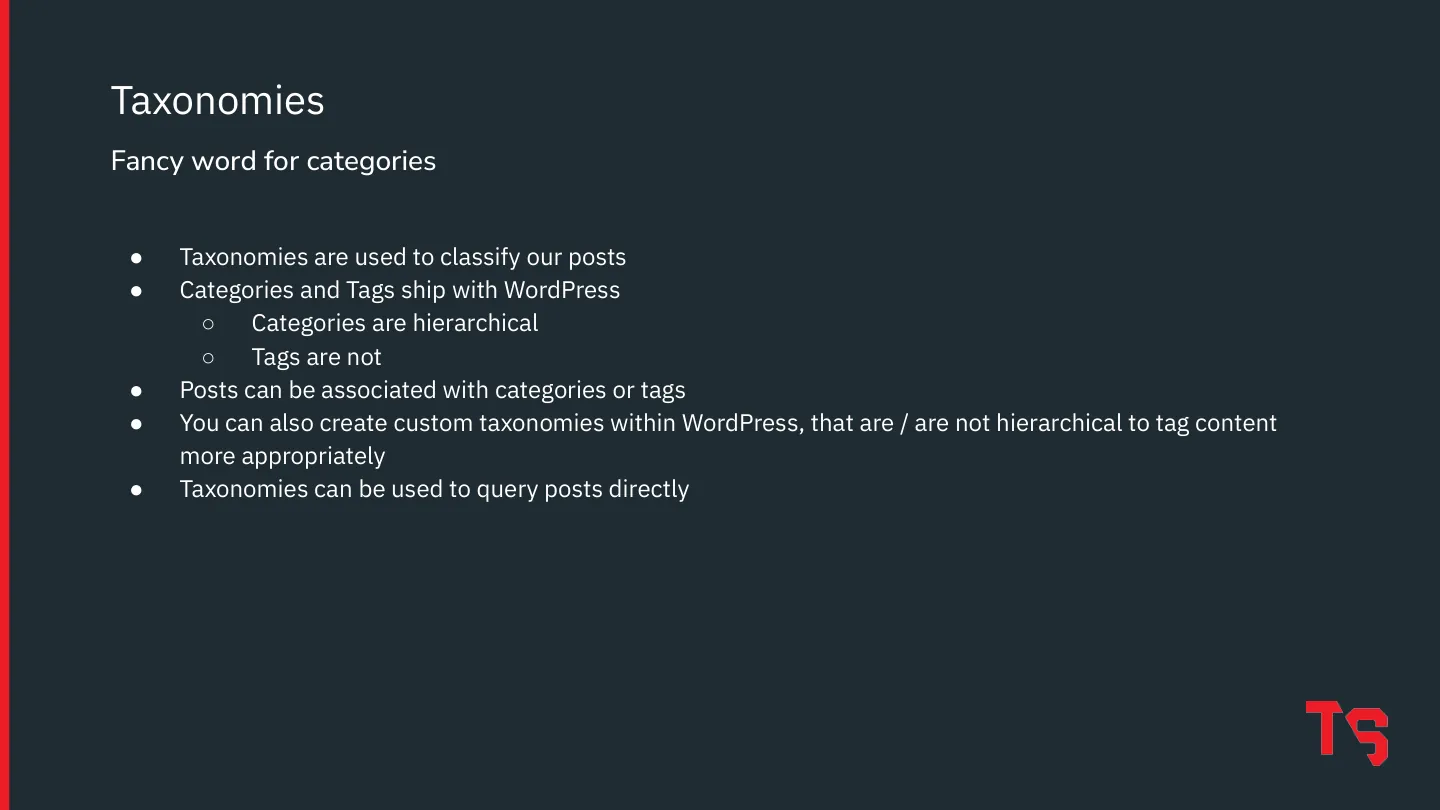
  22. Taxonomies are used to classify our posts Categories and Tags ship with WordPress ○ Categories are hierarchical ○ Tags are not Posts can be associated with categories or tags You can also create custom taxonomies within WordPress, that are / are not hierarchical to tag content more appropriately Taxonomies can be used to query posts directly Taxonomies Fancy word for categories
  23. Hook System Posts Taxonomies Meta Five Building Blocks of WP Development
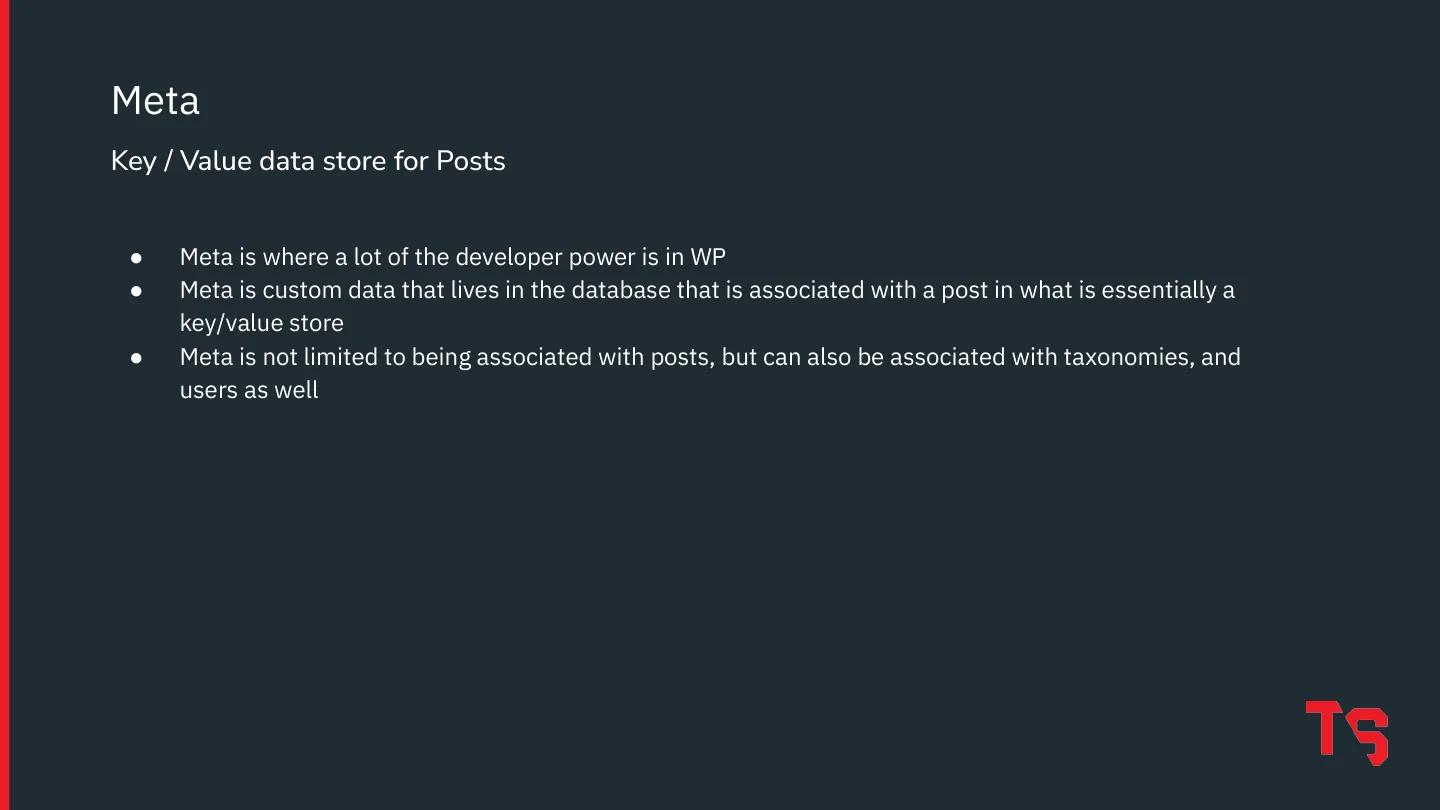
  24. Meta is where a lot of the developer power is in WP Meta is custom data that lives in the database that is associated with a post in what is essentially a key/value store Meta is not limited to being associated with posts, but can also be associated with taxonomies, and users as well Meta Key / Value data store for Posts
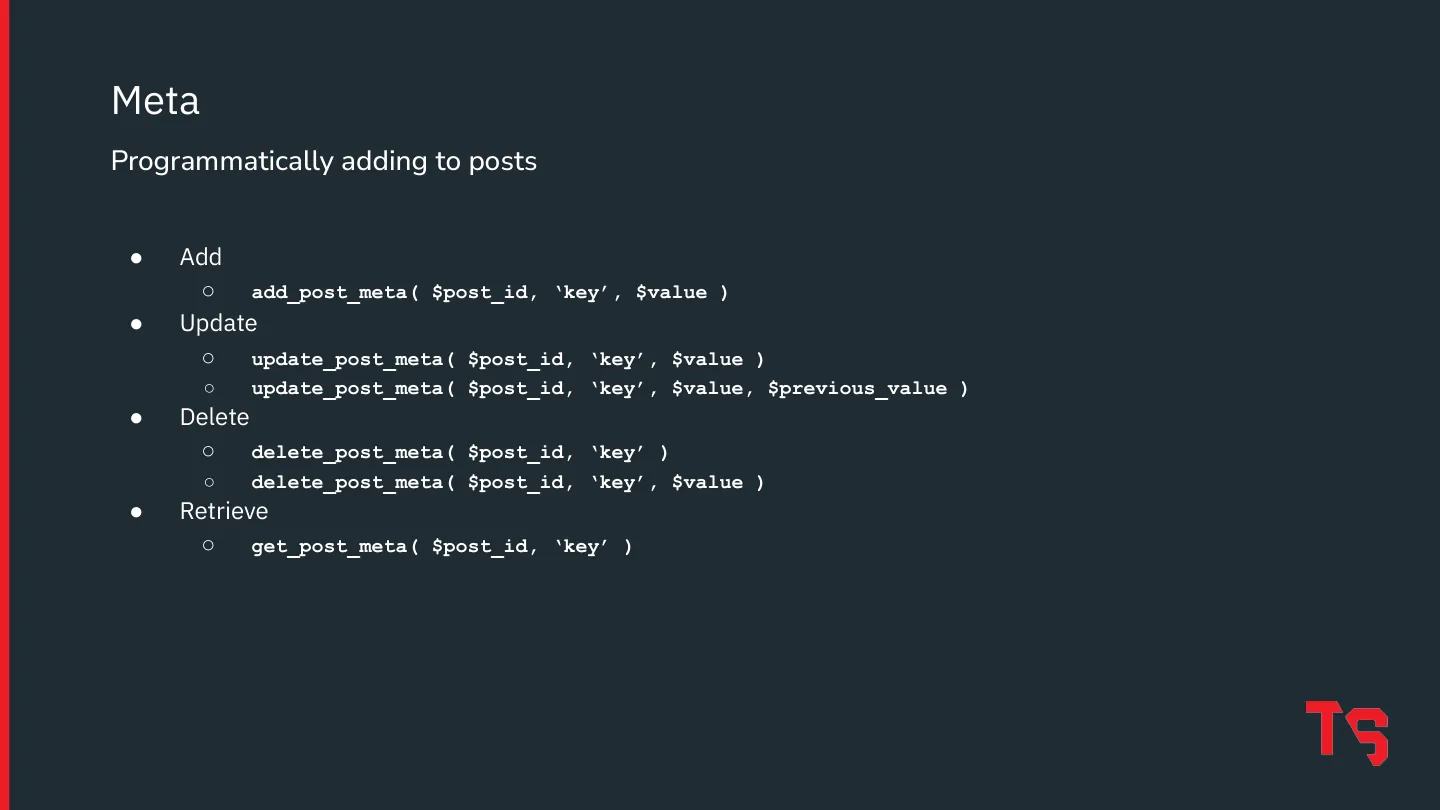
  25. Add ○ add_post_meta( $post_id, ‘key’, $value ) Update ○ update_post_meta( $post_id, ‘key’, $value ) ○ update_post_meta( $post_id, ‘key’, $value, $previous_value ) Delete ○ delete_post_meta( $post_id, ‘key’ ) ○ delete_post_meta( $post_id, ‘key’, $value ) Retrieve ○ get_post_meta( $post_id, ‘key’ ) Meta Programmatically adding to posts
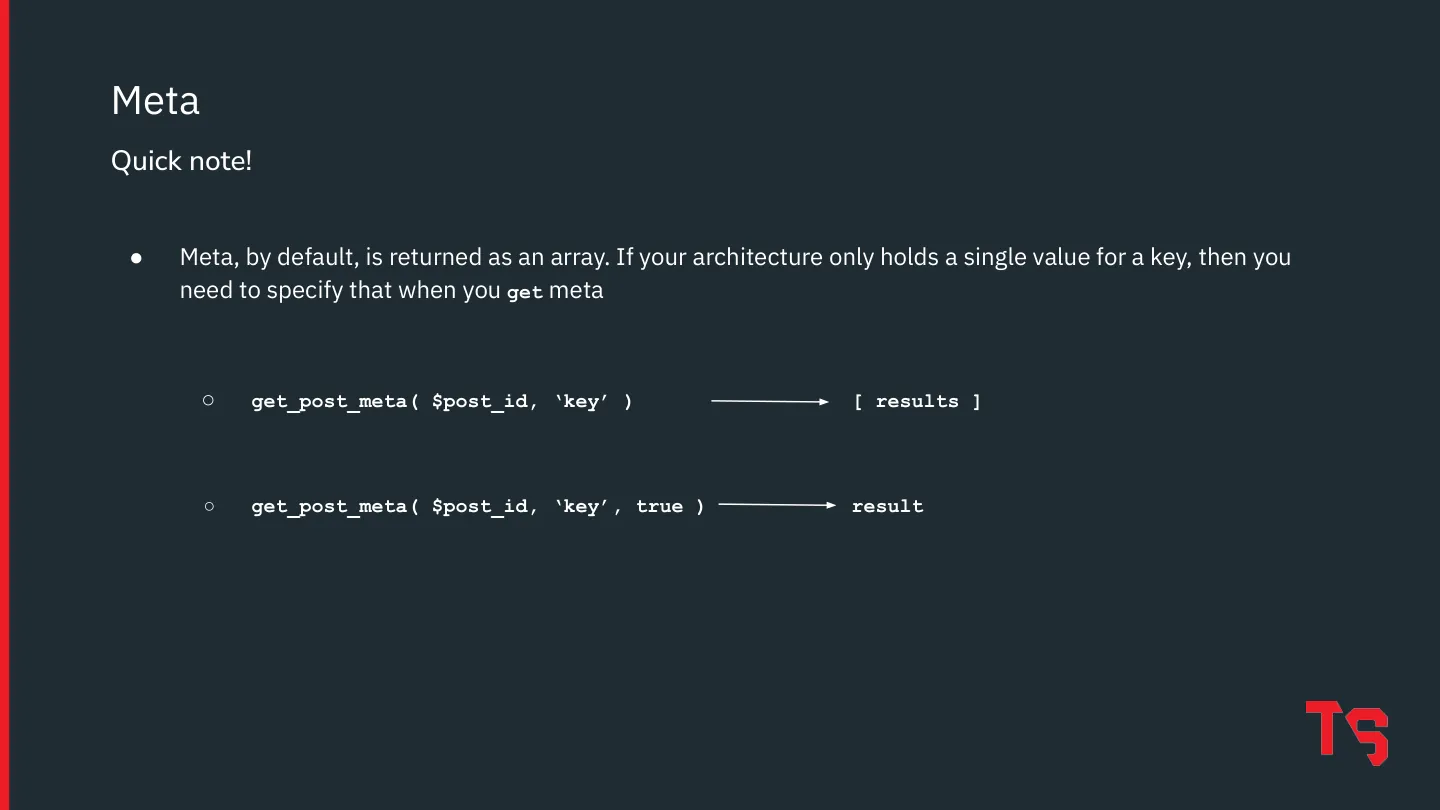
  26. Meta, by default, is returned as an array. If your architecture only holds a single value for a key, then you need to specify that when you get meta ○ get_post_meta( $post_id, ‘key’ ) [ results ] ○ get_post_meta( $post_id, ‘key’, true ) result Meta Quick note!
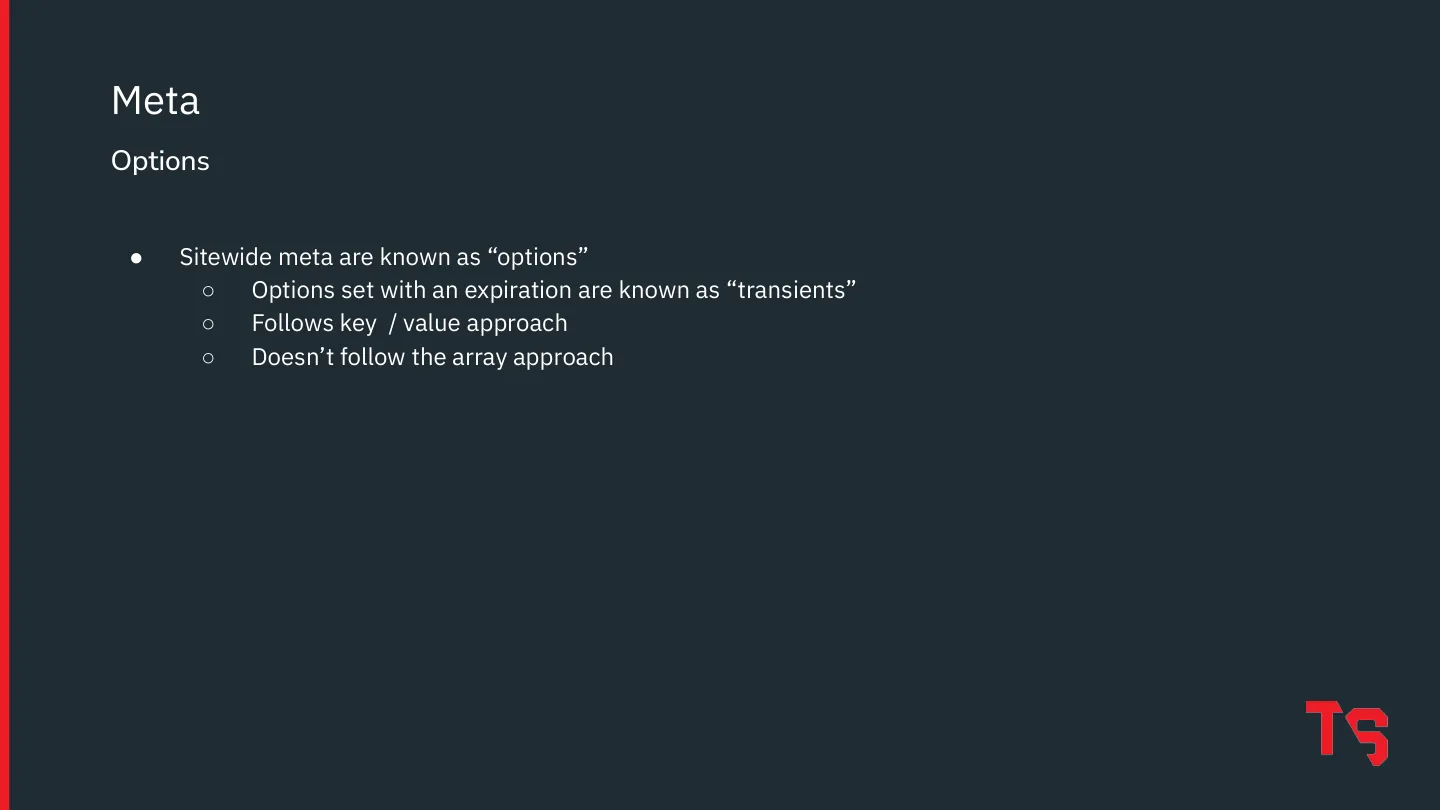
  27. Meta Options Sitewide meta are known as “options” ○ Options set with an expiration are known as “transients” ○ Follows key / value approach ○ Doesn’t follow the array approach
  28. Hook System Posts Taxonomies Meta REST API Five Building Blocks of WP Development
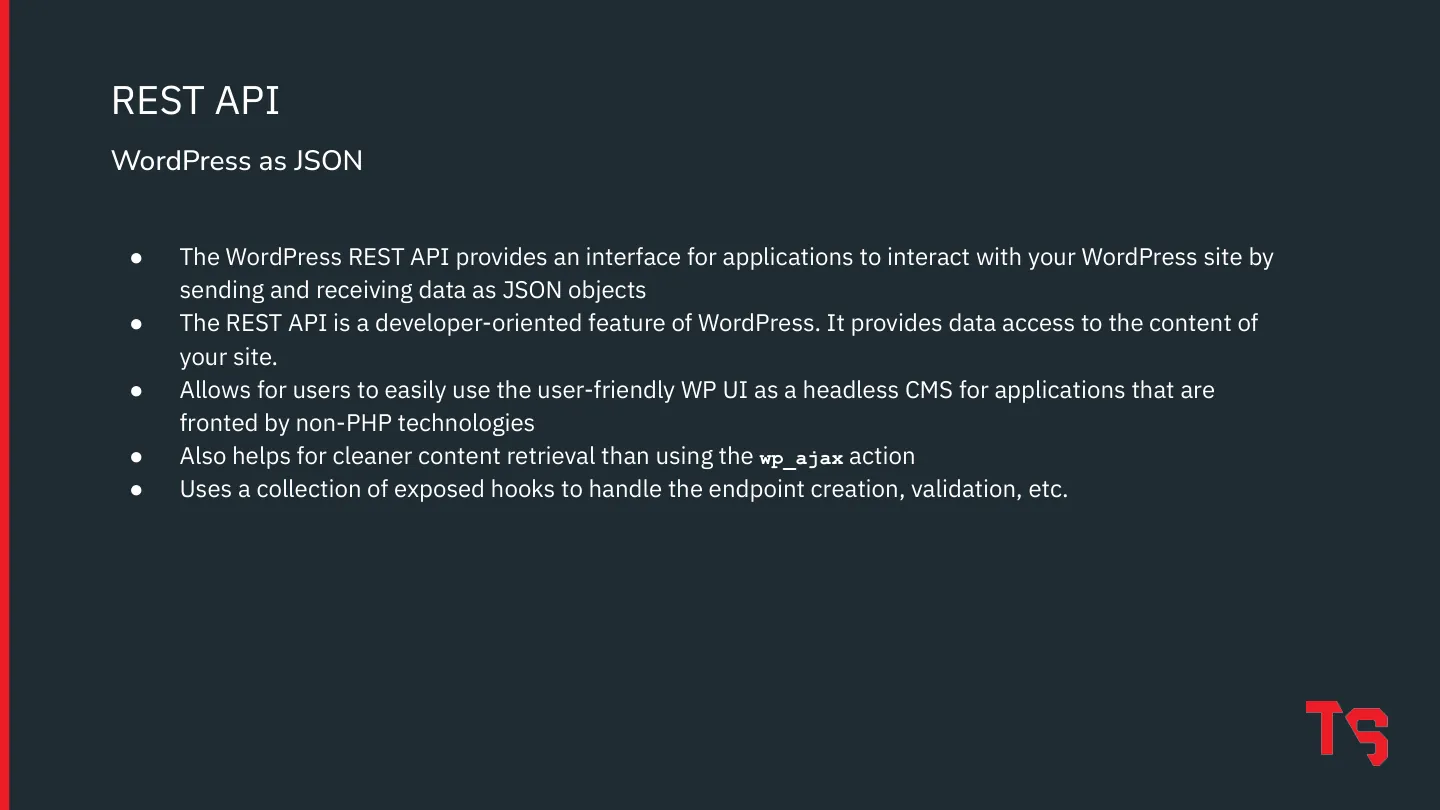
  29. The WordPress REST API provides an interface for applications to interact with your WordPress site by sending and receiving data as JSON objects The REST API is a developer-oriented feature of WordPress. It provides data access to the content of your site. Allows for users to easily use the user-friendly WP UI as a headless CMS for applications that are fronted by non-PHP technologies Also helps…
  30. Plugin Ecosystem
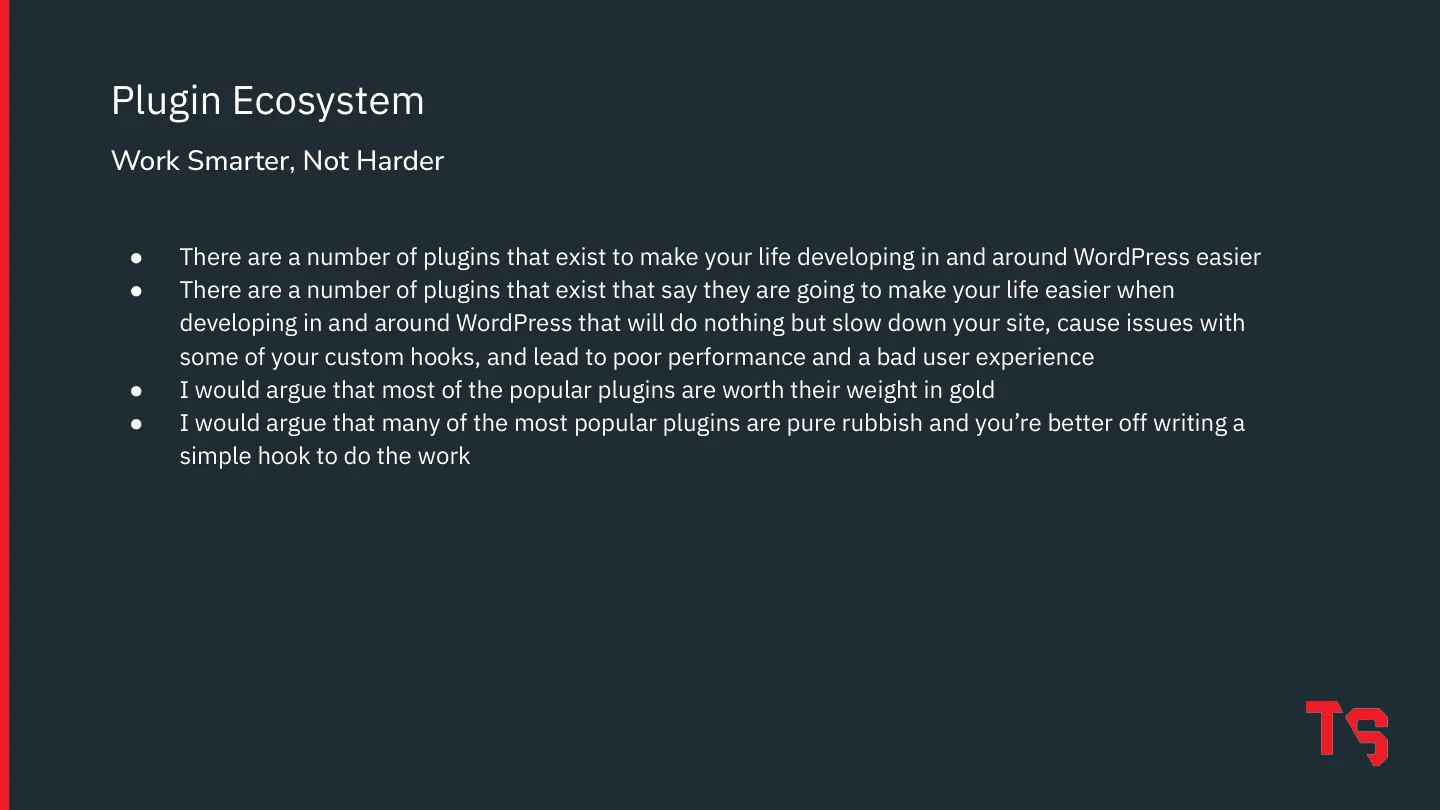
  31. There are a number of plugins that exist to make your life developing in and around WordPress easier There are a number of plugins that exist that say they are going to make your life easier when developing in and around WordPress that will do nothing but slow down your site, cause issues with some of your custom hooks, and lead to poor performance and a bad user experience I would argue that…
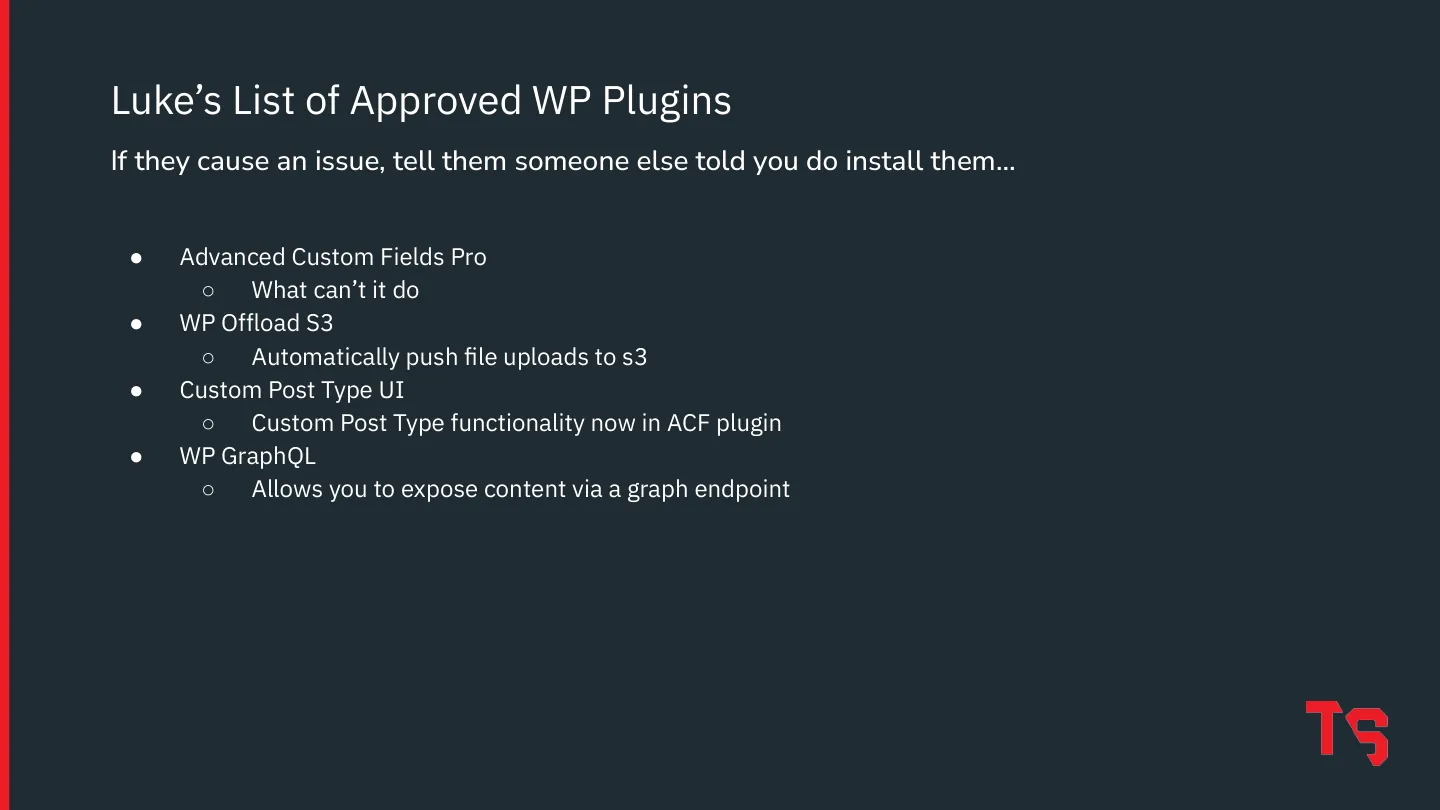
  32. Advanced Custom Fields Pro ○ What can’t it do WP Offload S3 ○ Automatically push file uploads to s3 Custom Post Type UI ○ Custom Post Type functionality now in ACF plugin WP GraphQL ○ Allows you to expose content via a graph endpoint Luke’s List of Approved WP Plugins If they cause an issue, tell them someone else told you do install them…
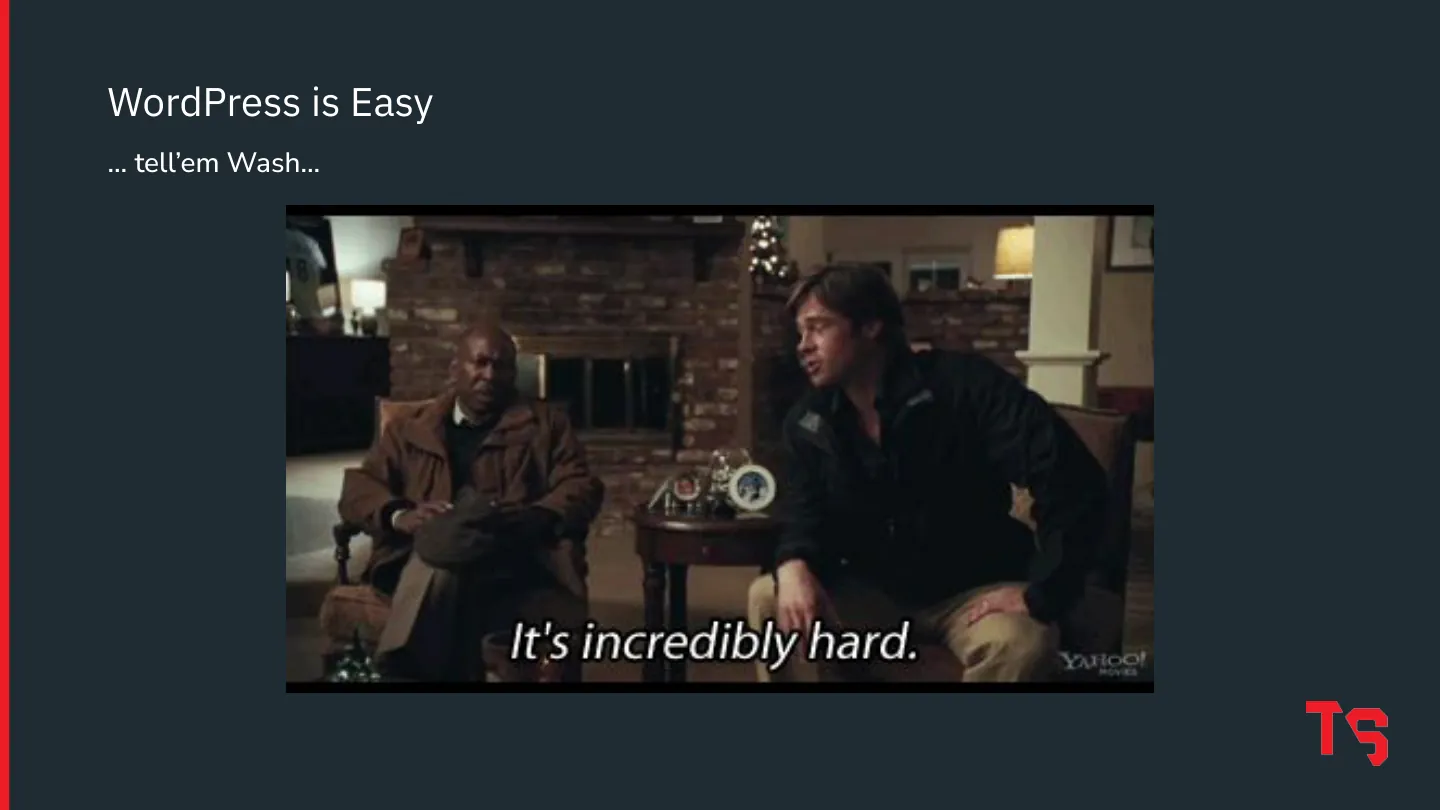
  33. WordPress is Easy … tell’em Wash…
  34. Thank you!
  35. Questions?
1 / 35
download pdf ↓

$ cat notes.md

You are going to know WordPress.* (*More than you know about it now… from a development perspective… not a legally binding statement.)

What is WordPress?

Humble beginnings to internet powerhouse. An open source CMS released in 2003 as a blogging platform, with pages in 2005 and custom post types in 2009. It’s built on PHP and MySQL, backed by Automattic, and powers over a third of the sites on the internet (a lot of them dead or unmaintained, obviously).

Why use it, not necessarily in this order: user management, open source, secure, easy for users, excellent documentation, a huge plugin and theme ecosystem, and it’s extensible.

The five building blocks of WordPress development

1. The hook system. Hooks drive everything; all the code runs off them. There are two kinds:

  • Actions run code at a particular point in WordPress’s execution.
  • Filters modify content before it moves on down the pipeline.

Filters return data; actions don’t.

function red_do_init_action_hook_code() {
  // custom code goes here
}
add_action( 'init', 'red_do_init_action_hook_code' );

function red_add_quotes_to_content( $c ) {
  return "\"{$c}\"";
}
add_filter( 'the_content', 'red_add_quotes_to_content' );

2. Posts. Everything is a post. Everything is a post. A blog post is a post, a page is a post (a hierarchical one, with parents and children), and your content is going to be a post. post_type defines what kind, and you can add your own with register_post_type or a plugin (be careful with plugins). Understand that all your content is a post at some level, and you’ve learned something very important about how WordPress works under the hood.

3. Taxonomies. A fancy word for categories. They classify posts. Categories (hierarchical) and tags (not) ship with WordPress, you can create your own, and you can query posts by them directly.

4. Meta. This is where a lot of the developer power is: custom key/value data stored with a post, and with taxonomies and users too.

add_post_meta( $post_id, 'key', $value );
update_post_meta( $post_id, 'key', $value );
delete_post_meta( $post_id, 'key' );
get_post_meta( $post_id, 'key' );

Quick note: get_post_meta returns an array by default. If a key only ever holds one value, pass true to get the value itself: get_post_meta( $post_id, 'key', true ).

Sitewide meta are called options, and options with an expiration are transients. Same key/value idea, without the array behaviour.

5. The REST API. WordPress as JSON. It lets applications read and write your content, so you can keep WordPress’s friendly admin UI as a headless CMS behind a front end that isn’t PHP. It’s also cleaner than wp_ajax for pulling content, and it’s built on hooks too.

Plugins: work smarter, not harder

Some plugins make your life easier. Others say they will and then slow down your site, fight with your custom hooks and hurt the user experience. Plenty of the popular ones are worth their weight in gold; plenty are pure rubbish, and you’re better off writing a simple hook.

Luke’s list of approved plugins (if they cause an issue, tell them someone else told you to install them):

  • Advanced Custom Fields Pro. What can’t it do? It now covers custom post types too.
  • WP Offload S3. Pushes file uploads to S3 automatically.
  • Custom Post Type UI.
  • WPGraphQL. Exposes your content through a GraphQL endpoint.

WordPress is easy. Tell ‘em, Wash.

visitor@whatadewitt: ~