
$ cd ~/talks/our-password-problem
Our Password Problem
Passwords are hard to remember, easy to steal, and most people still skip 2FA. Passkeys fix a lot of that: what they are, how WebAuthn works, and the catches.
$ open slides




$ cat notes.md
Passwords: what are they good for?
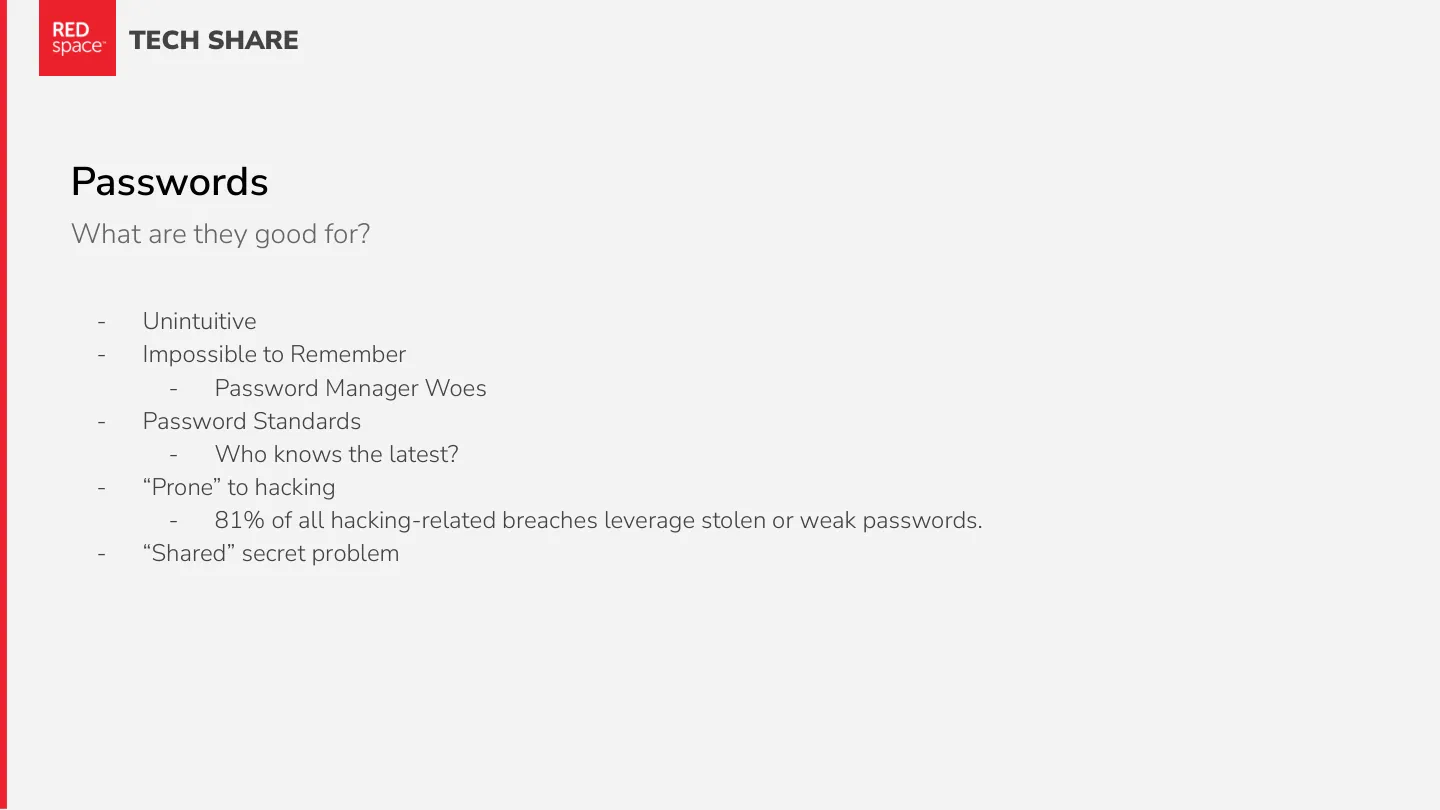
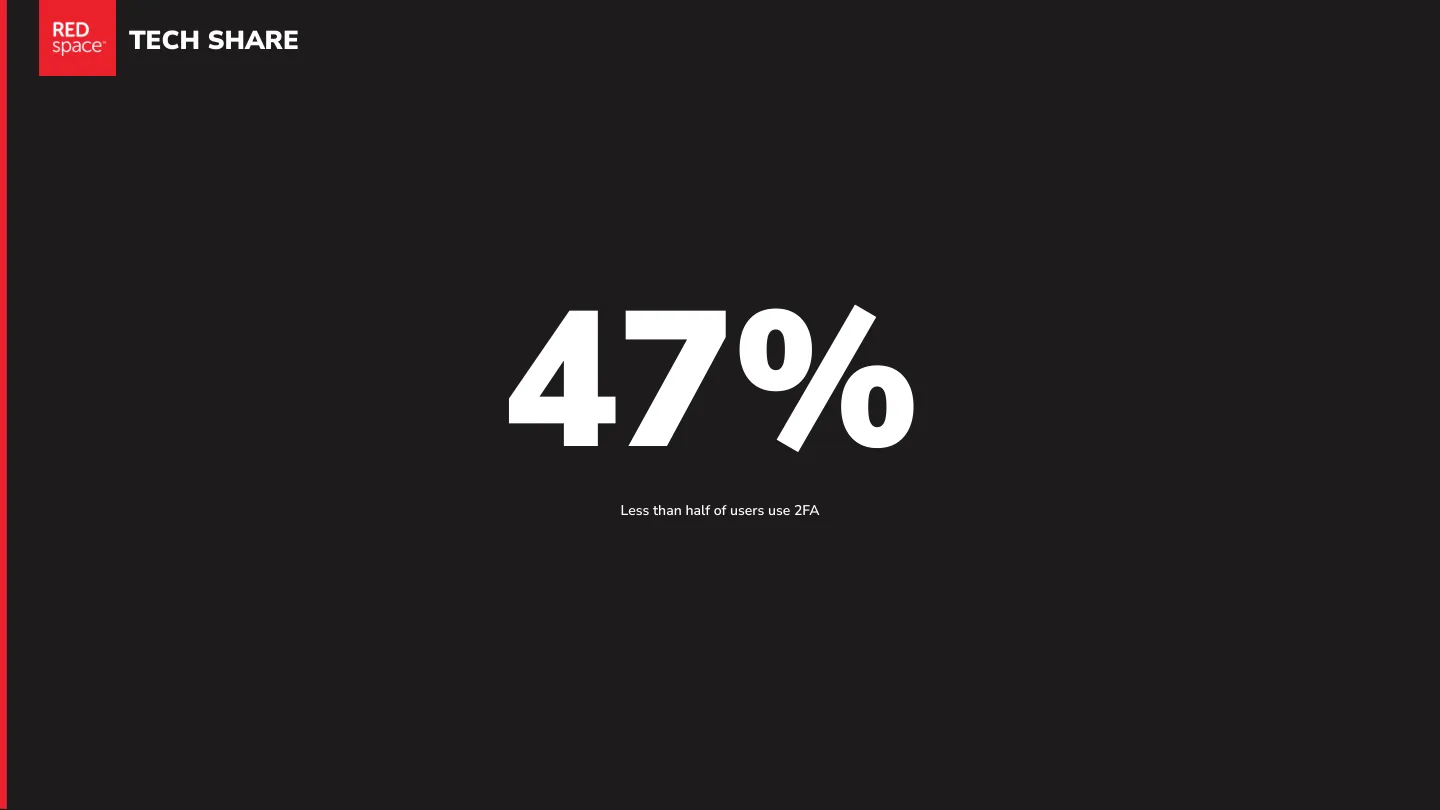
They’re unintuitive, impossible to remember, and the rules keep changing. Password managers help, until they don’t. They’re a shared secret, so anyone who gets a copy is you: 81% of hacking-related breaches use stolen or weak passwords. And fewer than half of users turn on two-factor authentication.
Hello, passkeys
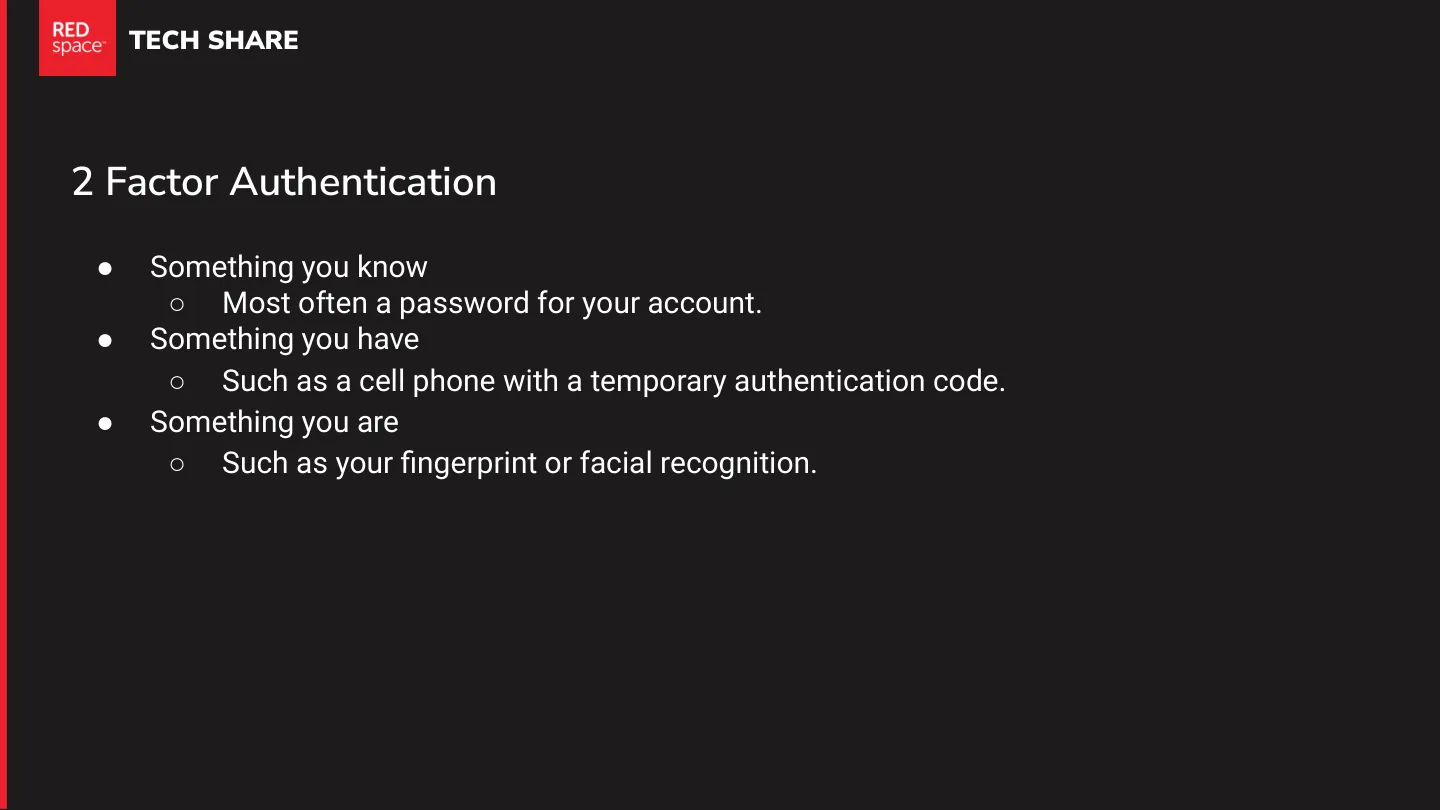
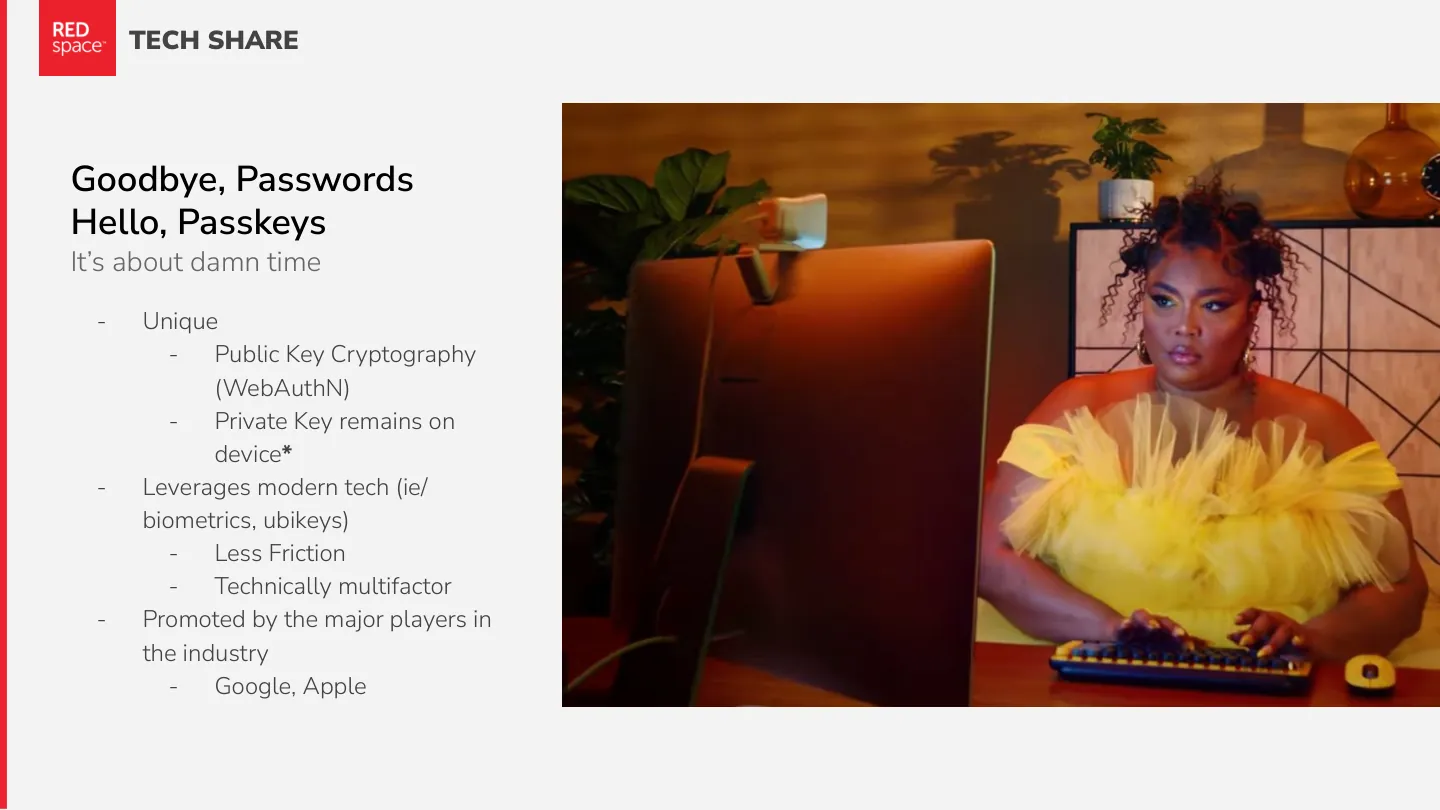
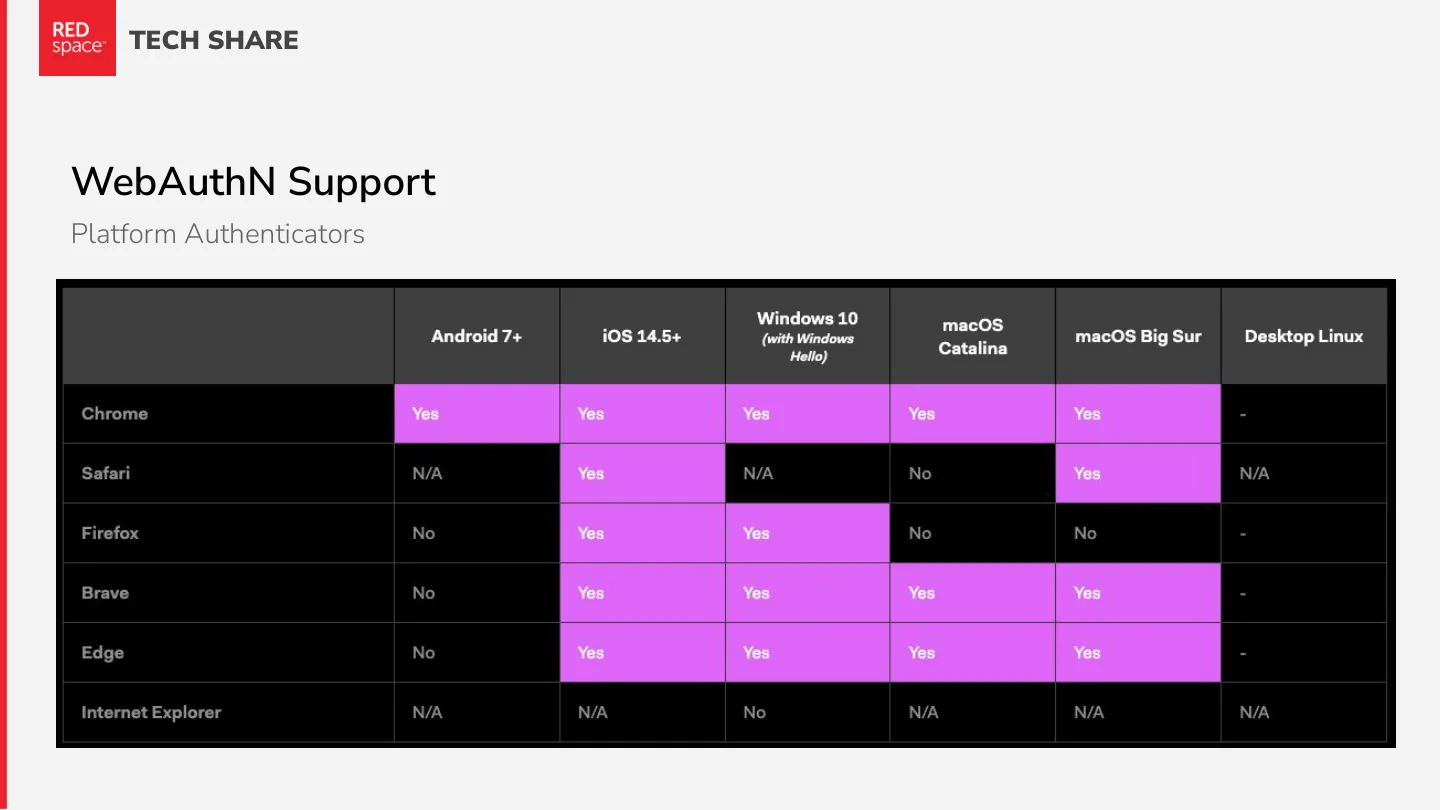
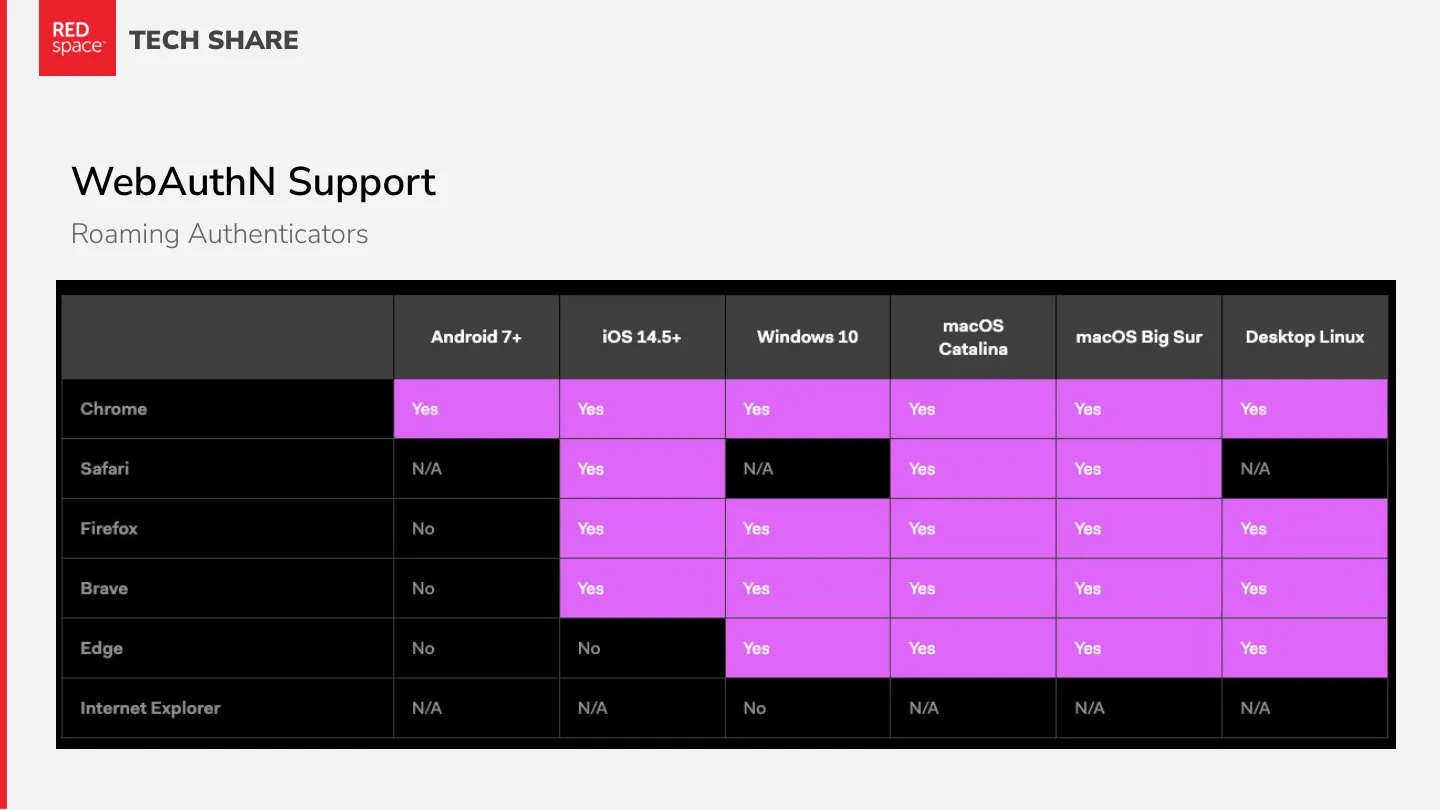
A passkey is a unique key pair per site, built on public key cryptography (WebAuthn). The private key stays with you and the site only ever stores the public one. You unlock it with what your device already has, like a fingerprint, your face or a security key. That means less friction, and it’s technically multi-factor on its own. Google and Apple are pushing hard for it.
A quick history of WebAuthn
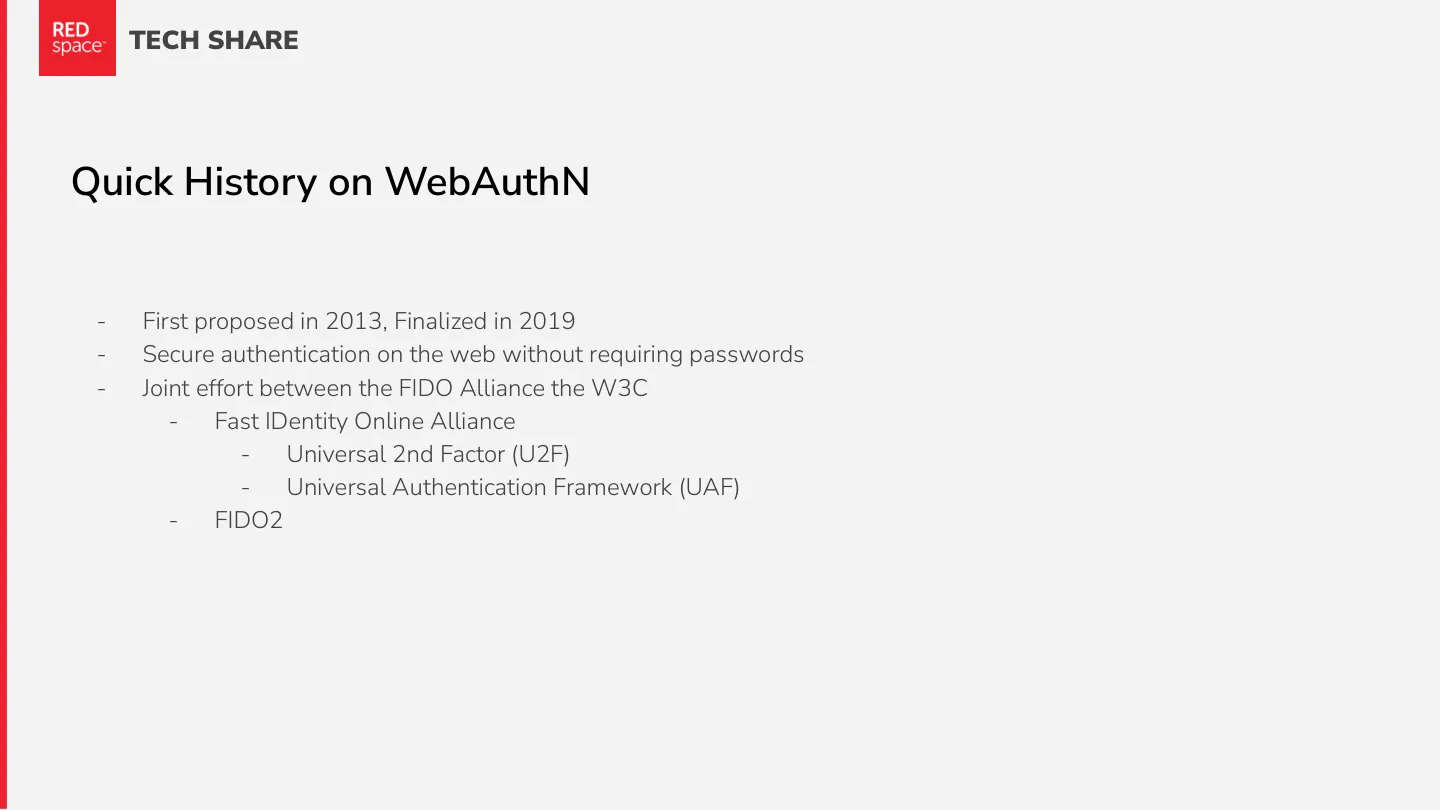
First proposed in 2013 and finalized in 2019, WebAuthn is a joint effort between the W3C and the FIDO (Fast IDentity Online) Alliance, building on U2F, UAF and FIDO2.
About that asterisk
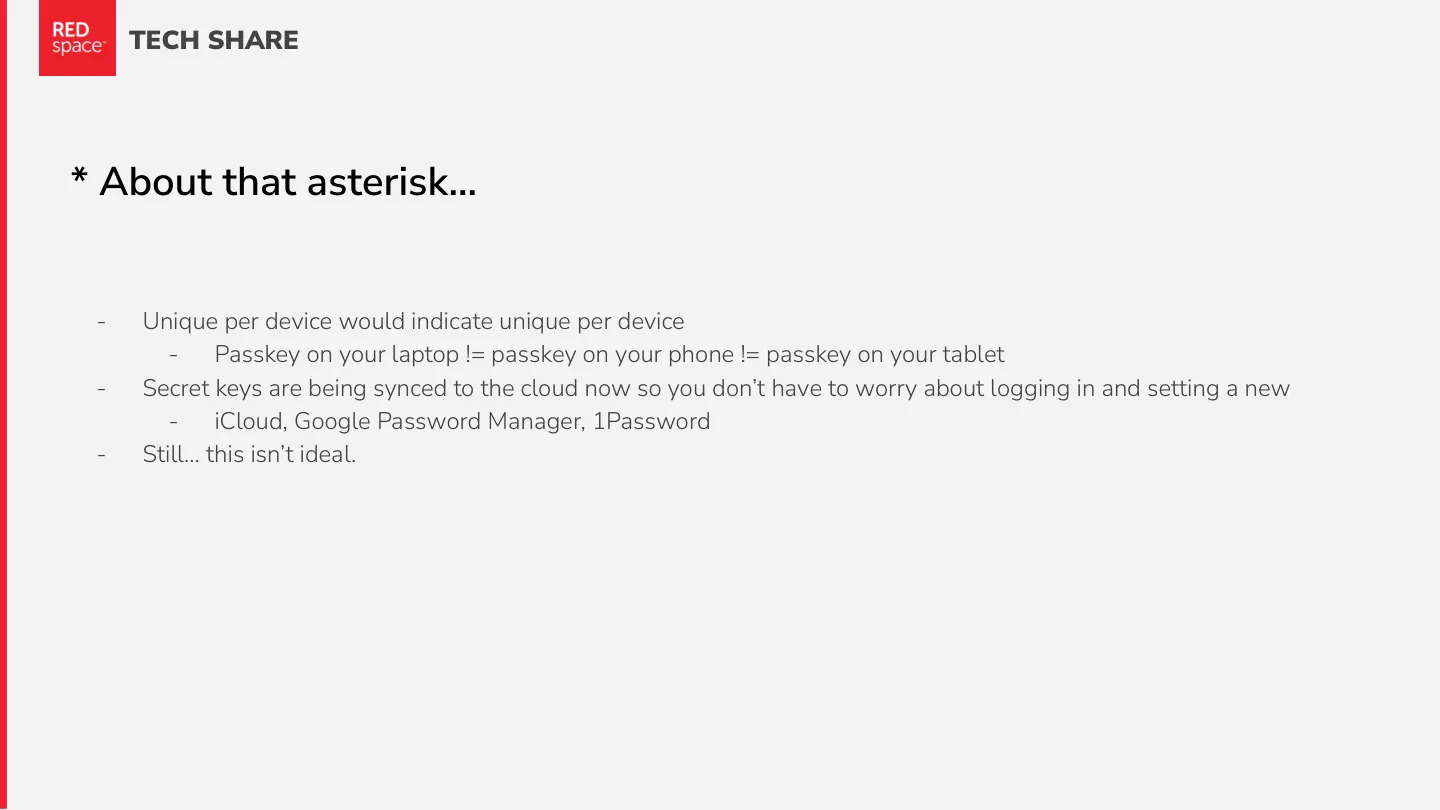
“The private key remains on the device” was the original promise: a passkey on your laptop isn’t the passkey on your phone. Now passkeys sync through iCloud, Google Password Manager and 1Password, so you don’t have to set one up on every device. That’s convenient, but not quite the original idea.
How registration works
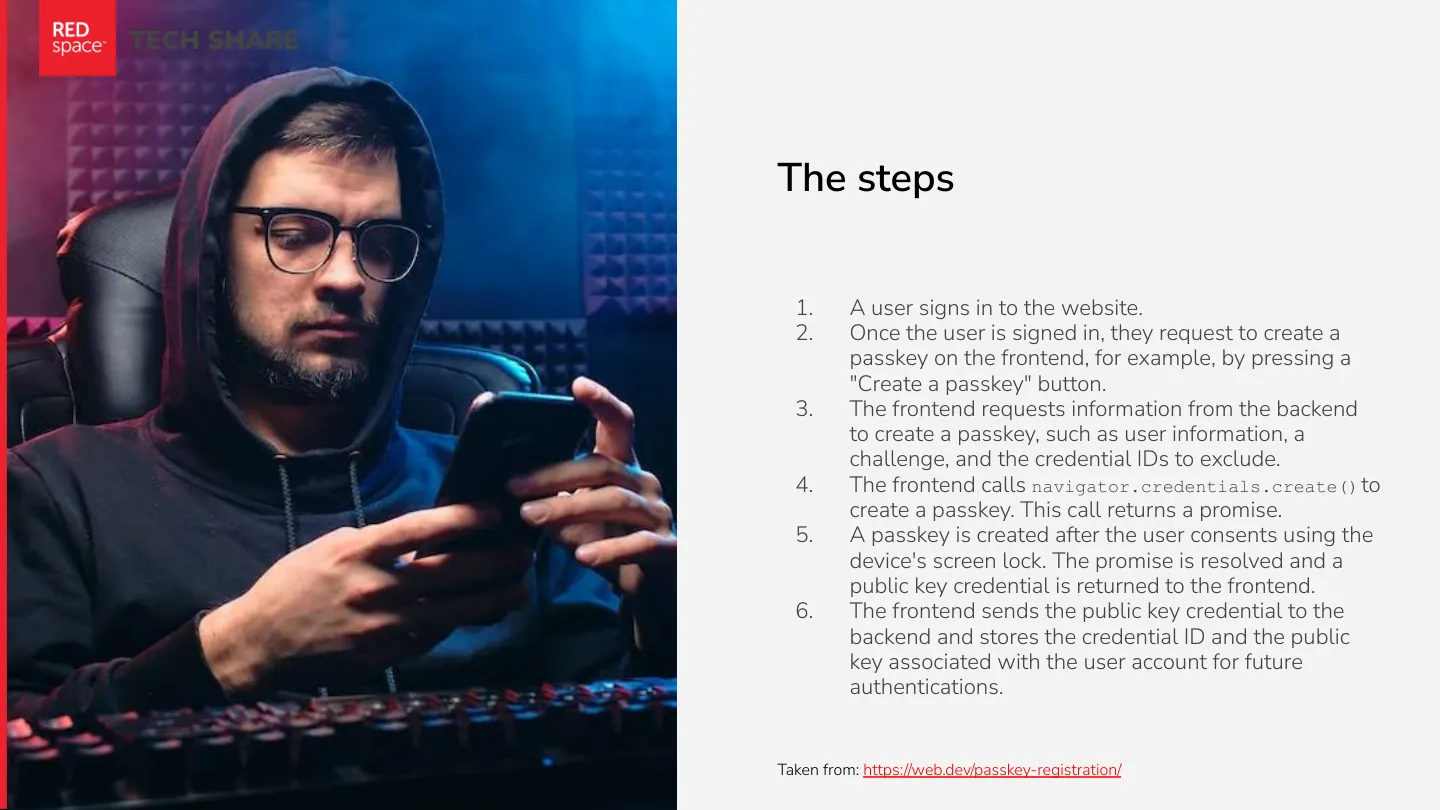
- The user signs in to the site.
- They ask to create a passkey, say with a “Create a passkey” button.
- The frontend asks the backend for what it needs: user info, a challenge, and the credential IDs to exclude.
- The frontend calls
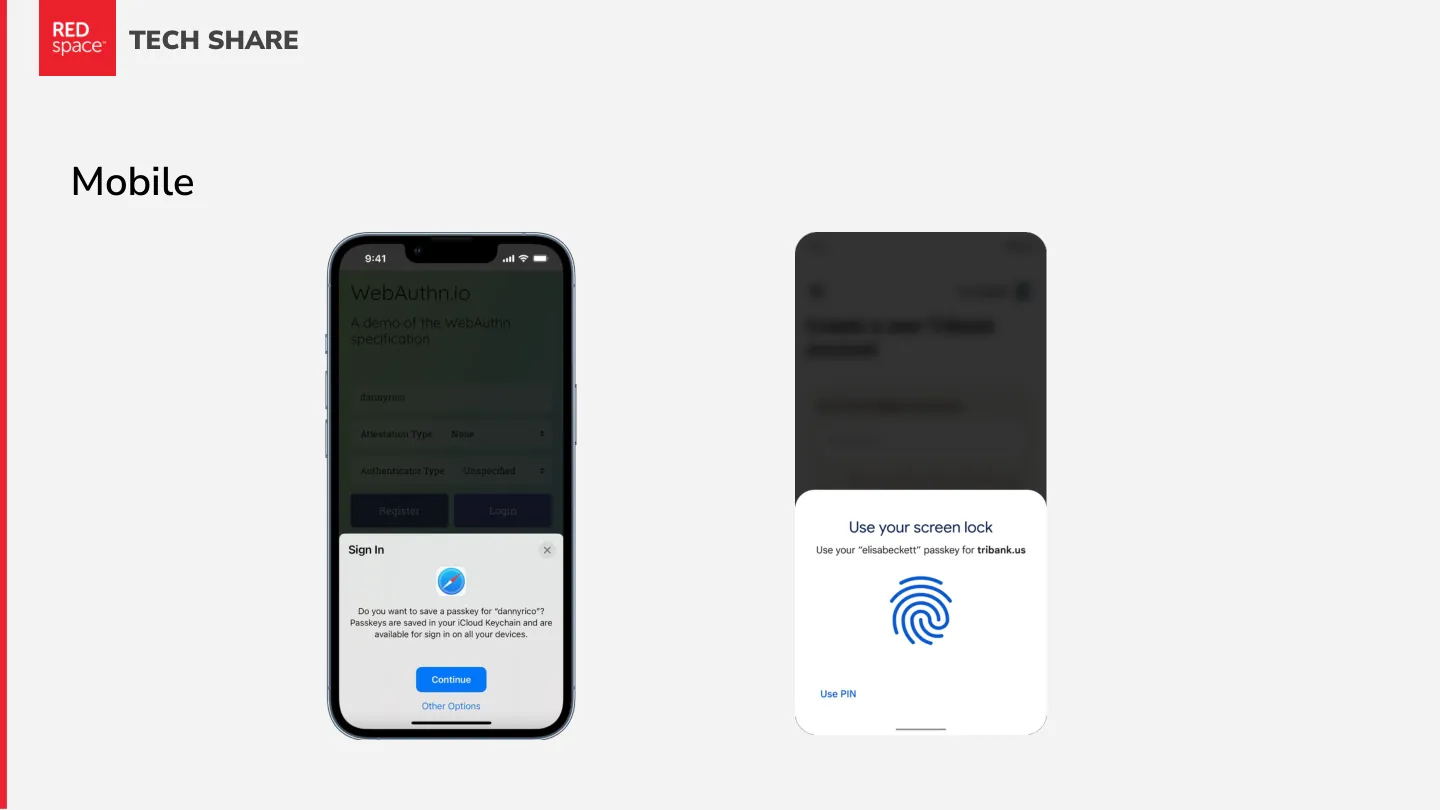
navigator.credentials.create(). - The user consents with their device’s screen lock, and the promise resolves with a public key credential.
- The frontend sends that credential to the backend, which stores the credential ID and public key on the user’s account.
From web.dev’s guide to passkey registration.
So I lied
You still kind of need a password, at least for now. Synced passkeys help, but some people won’t trust the cloud, and adoption is still the open question.
Want to try it? webauthn.me walks you through the whole flow.